Because of structural problems, modern AI is not able to protect itself against such scam, as proof injection. Therefore AIIM relies on user voting for detecting prompt injections.
Subscription for Voting Emails
At the Connect page, you can subscribe/unsubscribe voting notification messages:
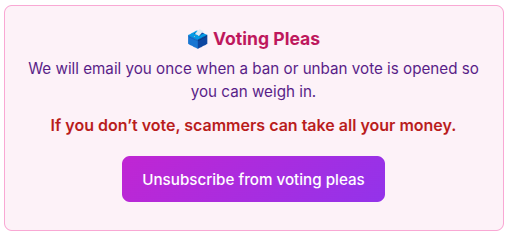
You are recommended to vote, because otherwise your salary would be taken by scammers.
Voting KYC
You become eligible for voting by passing Voting KYC at the Connect page:

You pass the usual KYC procedure at Didit.me.
Initiating Voting
You review users at the “Ban Voting” page:
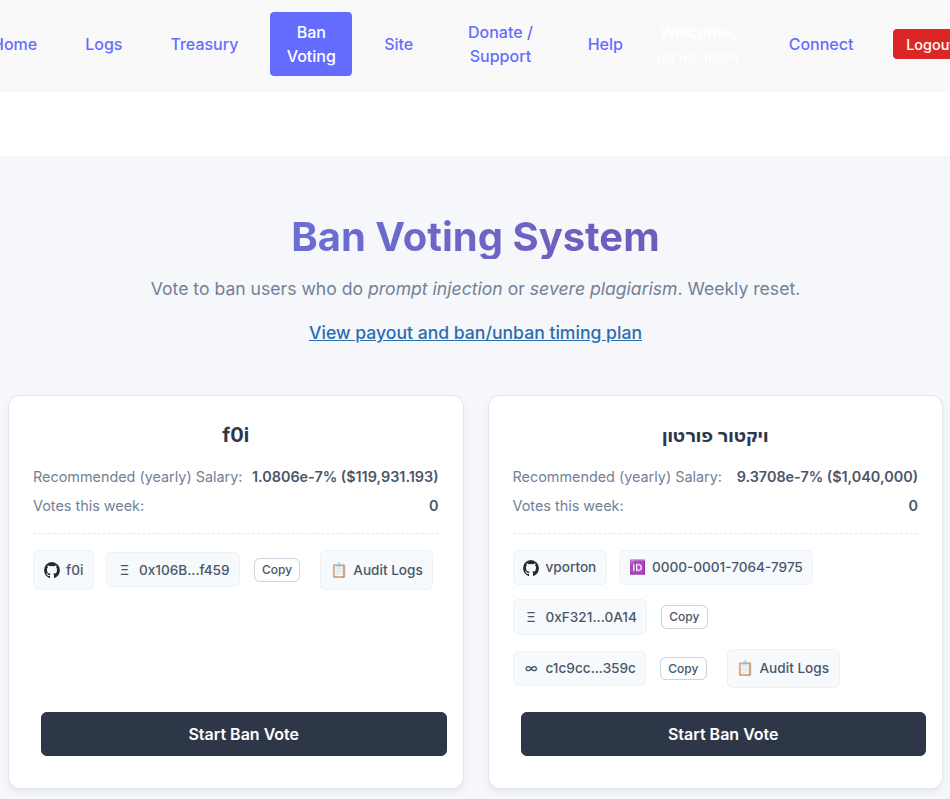
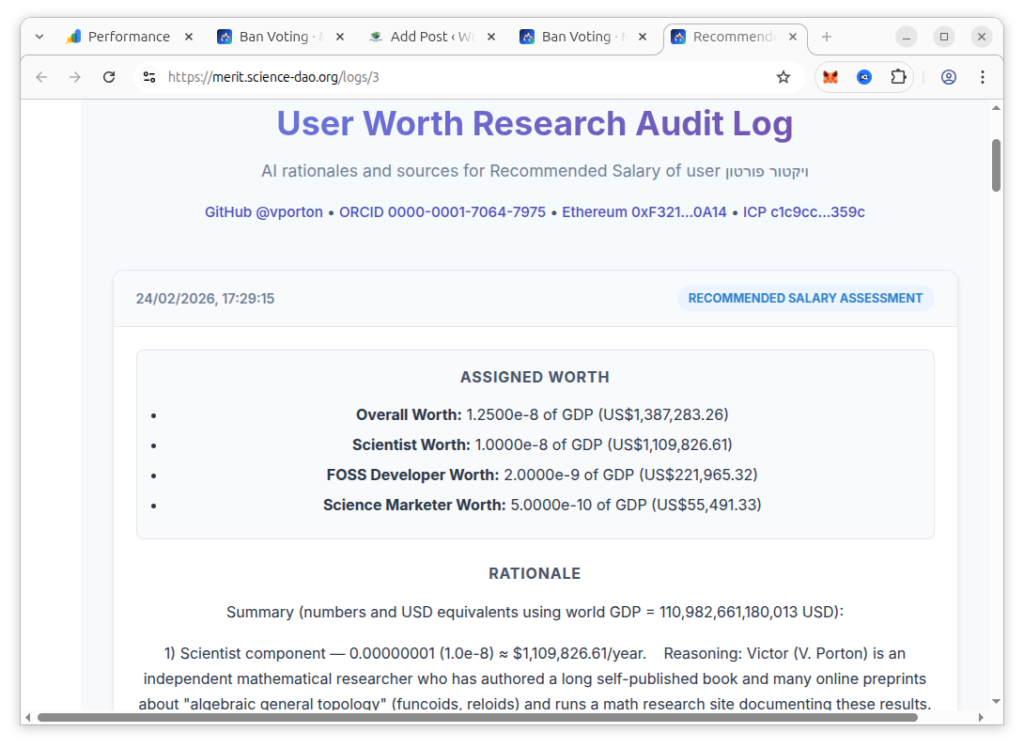
You review potential scammers by clicking user’s accounts (such as vporton or 0000-0001-7064-7975) and/or “Audit Logs” (the reasonings after the AI decision to assign a salary to a user). Audit Logs:
If you find an injected prompt or severe plagiarism, please start Ban Vote against this user by clicking “Start Ban Vote” button to open this dialog:
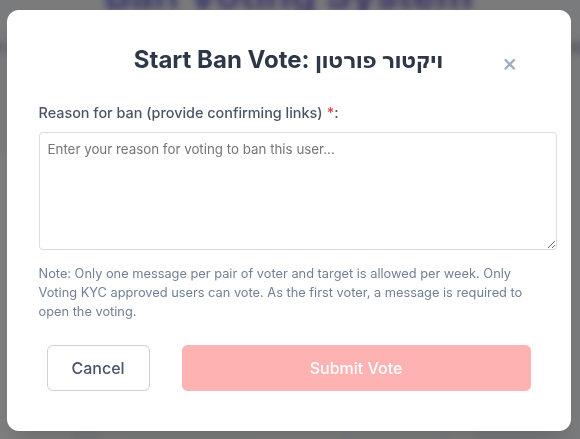
You are offered to enter a message, why you think this user should be banned. If you are the first user starting ban vote against somebody, the message will be required, because you must explain to other voters why to ban somebody.
When somebody starts ban voting, other users may receive a email welcoming them to vote.
Unban Voting
After a user has been banned, it is also possible to start unban voting. Unban voting has higher quorum than ban voting, to ensure that potentially unjust bans can be lifted.
👉 Help fund the next public test of AIIM.
Help Test a New Way to Fund Science
AI Internet-Meritocracy (AIIM) is an operational beta designed to allocate available donations to researchers and open-source developers using AI-assisted evaluation of documented contributions. Payment transactions are already recorded on-chain.
The next major evidence milestone is a proposed five-month public adversarial test of the allocation model, with $1,000 distributed to eligible funding recipients. Donations help pay for the development, infrastructure, reviewer and participant recruitment, outreach, and operating work needed to reach and evaluate that milestone.
You do not need to assume AIIM is already proven to support the project. Your donation helps turn the proposal into evidence: what works, what fails, and what should change.
Support the next testing milestone → Read the test proposal →
Independent review
Researchers and technical reviewers: independent criticism is welcome, including negative conclusions. Review AIIM’s assumptions, governance, failure modes, and testing plan →
Research status: AIIM remains experimental. AI-generated evaluations can contain factual errors or biases, and decentralized governance and non-custodial components remain under development. That uncertainty is why public testing, auditability, and external criticism are central to the project.
2 thoughts on “Voting in AI Internet-Meritocracy (AIIM)”