Everybody (there is no requirement for science degree) with published science or free software can join AI Internet-Meritocracy app, to become eligible for grants. Grant writing is not required.
Step 1: Open the app
Open the app:
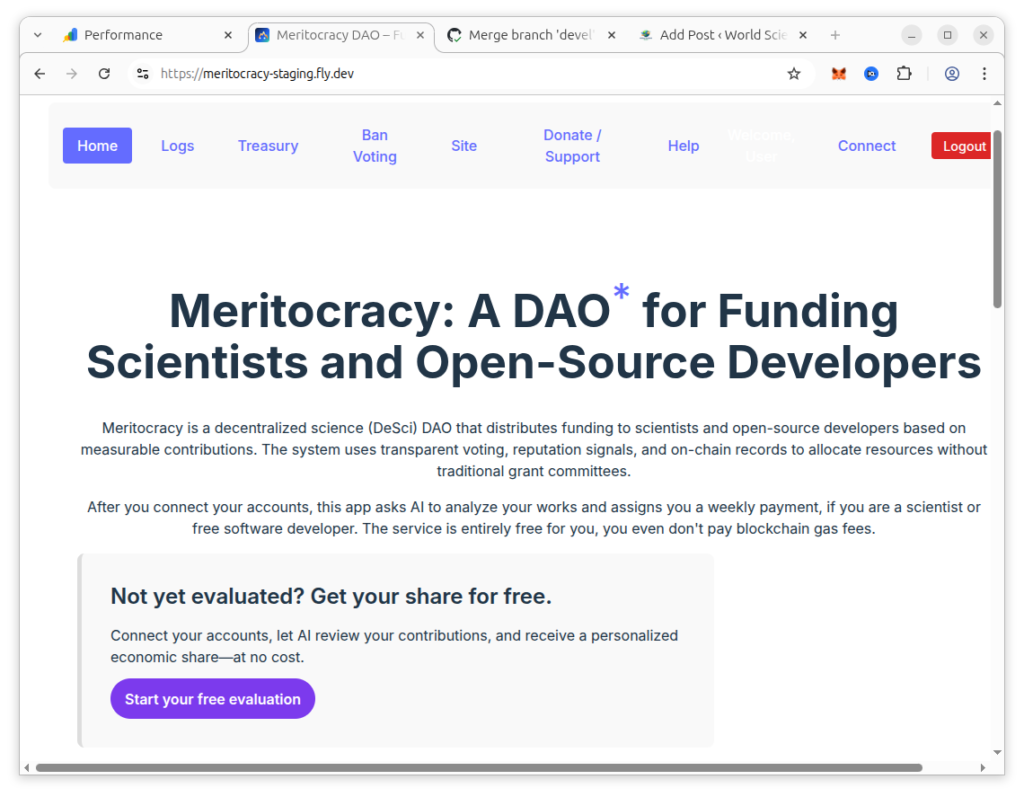
Step 2: Click the link
You can click either “Start your free evaluation” button or “Connect” menu item. After this Connect page opens:
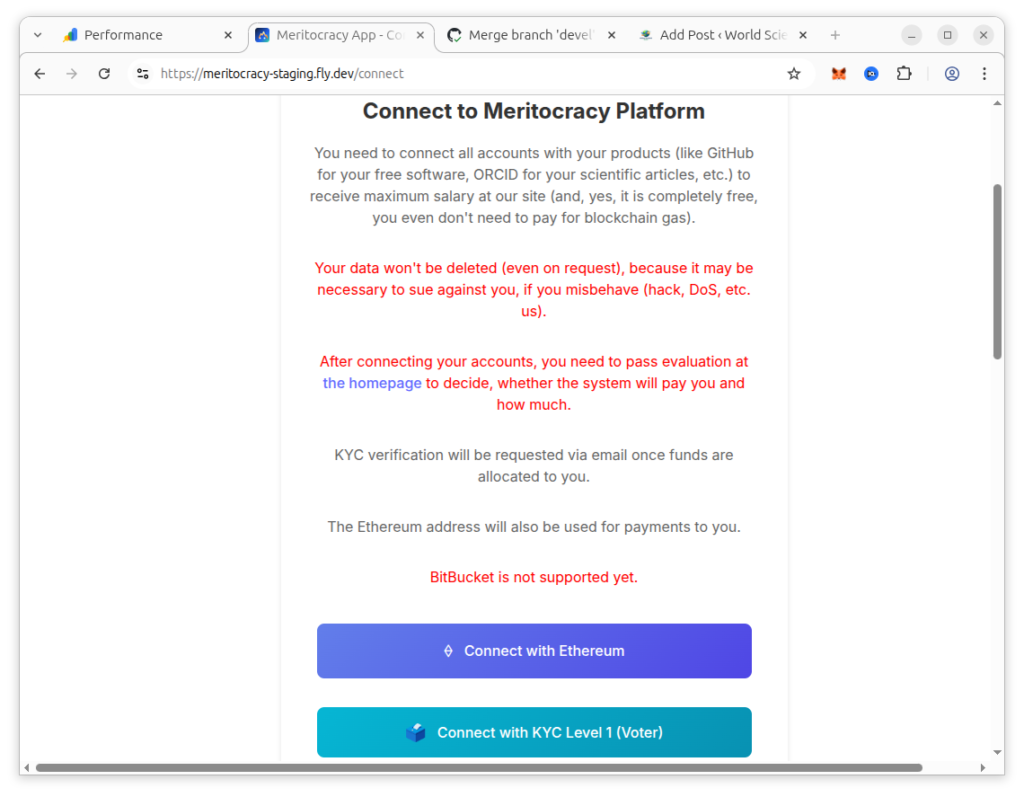
Step 3: Connect your accounts
Click the connect buttons to connect at least:
- Ethereum
- At least, either:
- ORCID
- GitHub
- GitLab
- BitBucket (not supported yet)
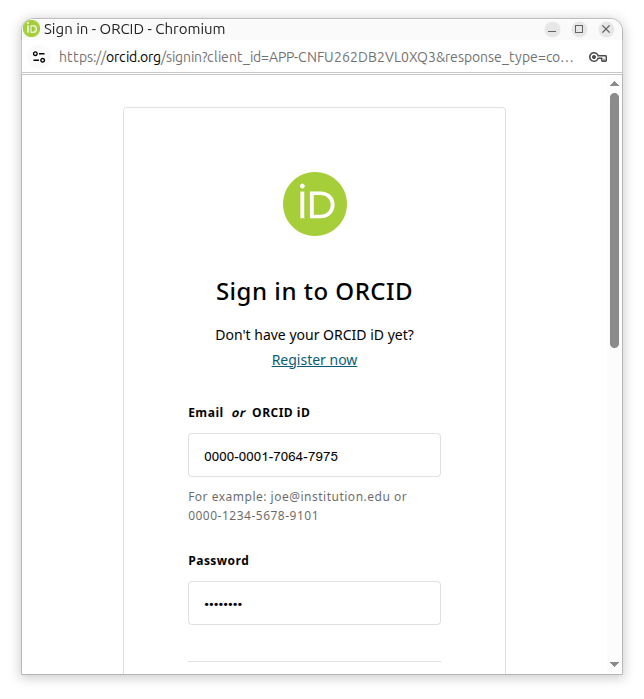
Connections (the below image represent the example with ORCID) happen by signing in into sites to be connected.
Connecting ORCID
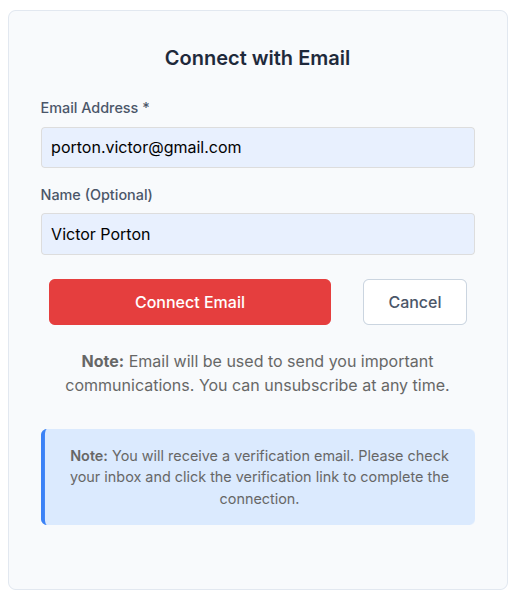
Connecting email
You also need to connect email, with the usual email verification procedure:
Connecting Ethereum
You need to connect your Ethereum account. After clicking “Connect with Ethereum” button, you are offered to choose from several Ethereum wallets:
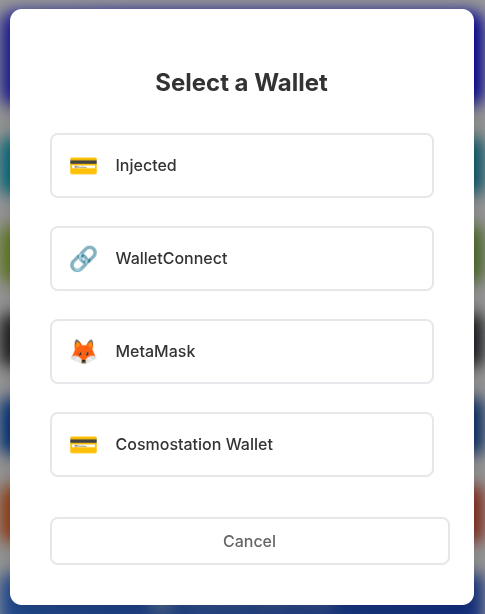
If you choose MetaMask (install it in the browser), the most popular Ethereum wallet, you will be presented this window:
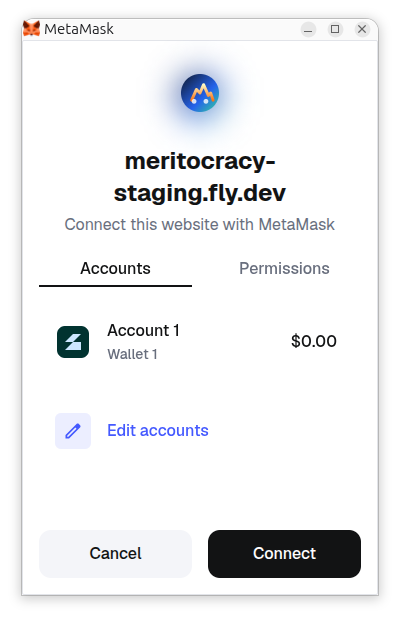
Click Connect, and then this one:
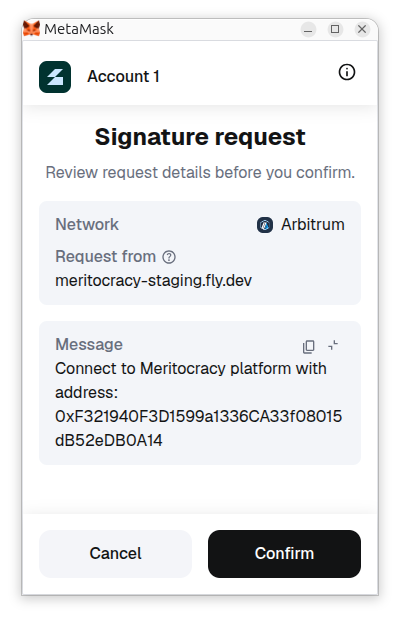
You are recommended to review the message diligently. After this, you click “Confirm” (this operation is free for you).
Entering non-Ethereum Addresses
You can also enter more cryptocurrency addresses:
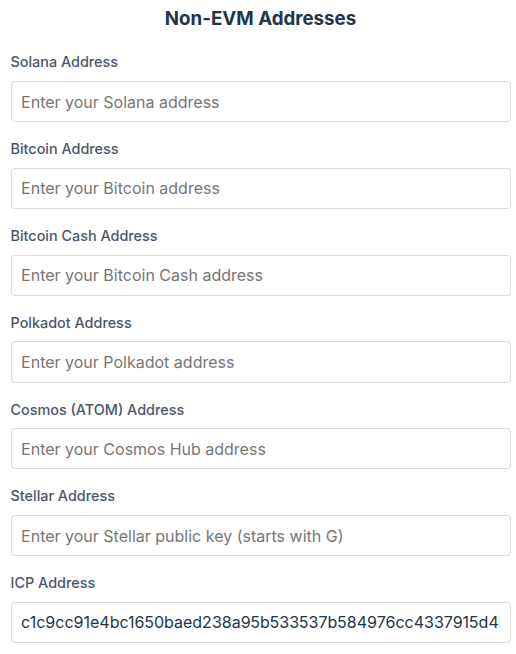
You are recommended as many cryptocurrency addresses as you can, not to miss grants in these cryptocurrencies.
Step 4: AI Evaluation
Step 4.1: Check that you connected all your accounts
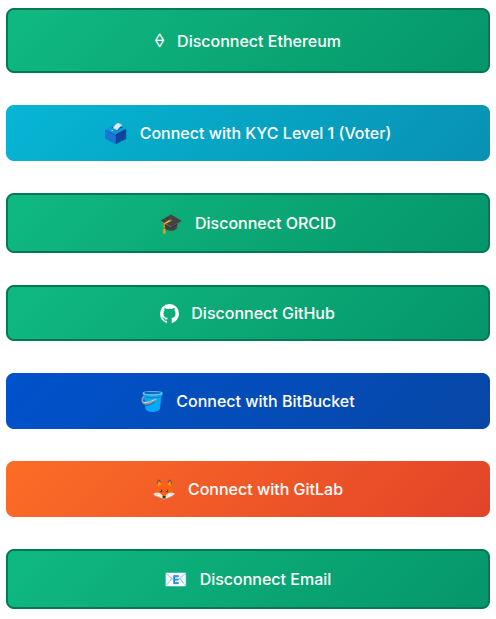
Check that you connected all accounts (Connected accounts are shown as “Disconnect …” buttons.) that contain your works, because if you didn’t connect e.g. GitHub accounts, your software at GitHub won’t be taken into account in your salary evaluation. (You can connect some accounts later, but not connecting before evaluation can lead to reduction of your salary for a time period like 2 months.)
Step 4.2: Evaluation itself
After you connected all necessary accounts (see a list above), you can click the Evaluation button:

After some time (potentially, up to several hours) after this you will be evaluated, that is become eligible for cryptocurrency grants.
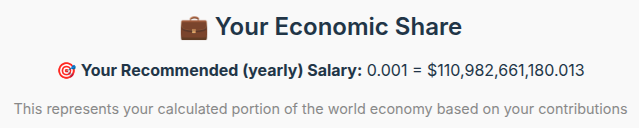
After successful evaluation, you can see your recommended salary (as a portion of world GDP and in dollars) at the homepage:
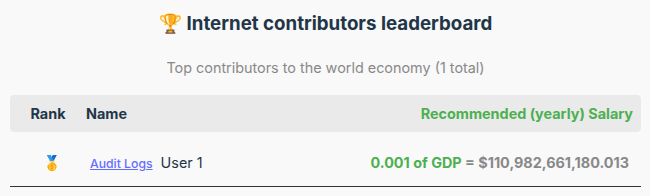
You may also appear in “Internet contributors leaderboard”:
👉 Help fund the next public test of AIIM.
Help Test a New Way to Fund Science
AI Internet-Meritocracy (AIIM) is an operational beta designed to allocate available donations to researchers and open-source developers using AI-assisted evaluation of documented contributions. Payment transactions are already recorded on-chain.
The next major evidence milestone is a proposed five-month public adversarial test of the allocation model, with $1,000 distributed to eligible funding recipients. Donations help pay for the development, infrastructure, reviewer and participant recruitment, outreach, and operating work needed to reach and evaluate that milestone.
You do not need to assume AIIM is already proven to support the project. Your donation helps turn the proposal into evidence: what works, what fails, and what should change.
Support the next testing milestone → Read the test proposal →
Independent review
Researchers and technical reviewers: independent criticism is welcome, including negative conclusions. Review AIIM’s assumptions, governance, failure modes, and testing plan →
Research status: AIIM remains experimental. AI-generated evaluations can contain factual errors or biases, and decentralized governance and non-custodial components remain under development. That uncertainty is why public testing, auditability, and external criticism are central to the project.
One thought on “Connecting and Evaluating User – AI Internet-Meritocracy”